Someone Is Pretending to Be You: How Creators Beat Impersonators and Fake Accounts
Fake accounts copy your photos, message your fans, and send them to scam links. Report them fast, but also make it obvious which accounts are real, with one official hub that lists every genuine profile you run.

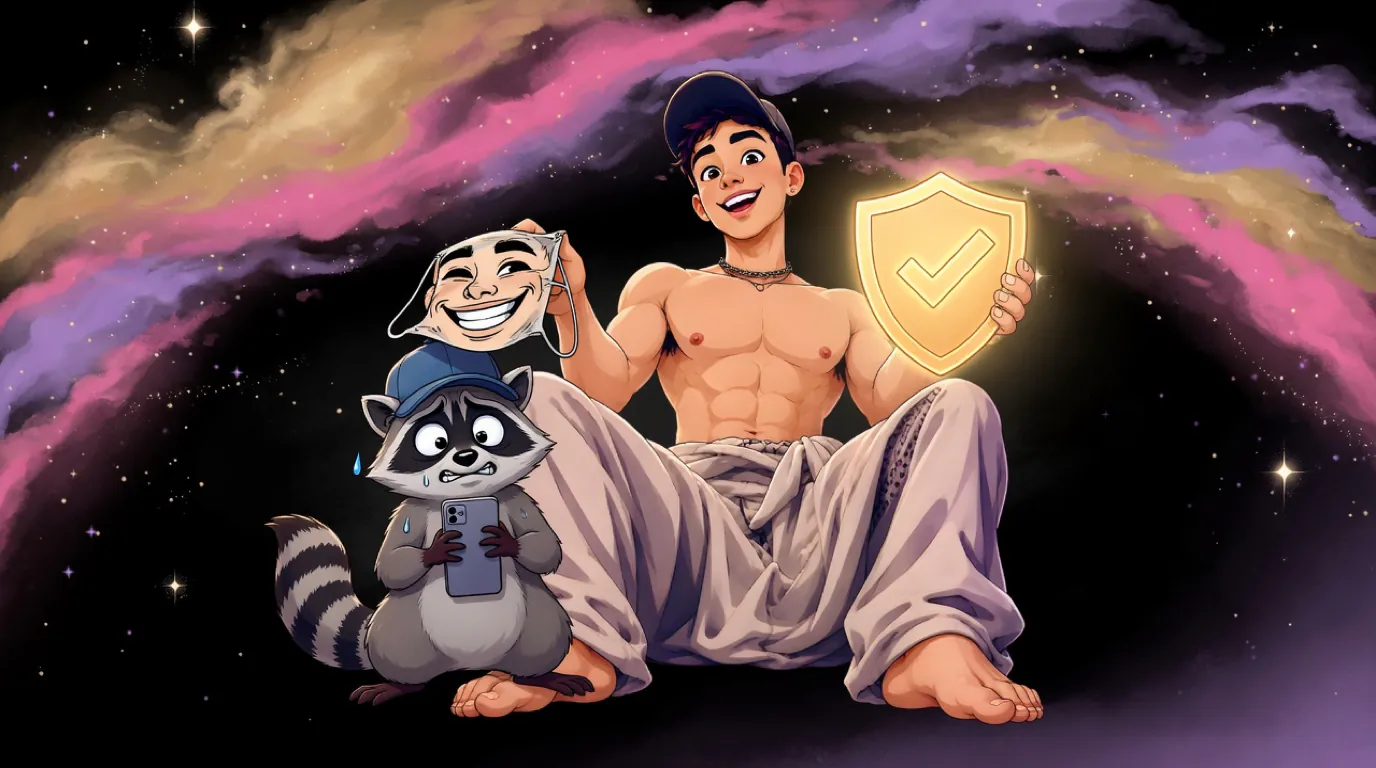
Once a creator gets popular enough, impersonators show up. They copy your photos, grab a handle one letter away from yours, and message your fans with fake promos, fake "private" links, or requests for gift cards.
Your fans lose money. You lose trust you did nothing to lose. And reporting accounts one at a time can feel like a game you never win.
You cannot stop impersonators from existing, but you can make them far less effective. The key is making it obvious, everywhere, which accounts are actually you.
Why impersonators target creators
Creators are easy targets because:
- Fans want access to you and will often believe a DM that seems to come from you.
- Your photos are public, so cloning a profile takes minutes.
- Handles get abandoned, renamed, or suspended, which leaves gaps for lookalikes.
- Fans often do not know which platforms you actually use.
That last point is the one you control the most.
Step 1: Report fakes the right way
Every major platform has an impersonation report process, and those reports work better when they come from you rather than a fan:
- Report from your own account when possible. Platforms take reports from the person being impersonated more seriously.
- Choose the impersonation category, not spam or harassment, so it reaches the right team.
- Have your ID ready. Some platforms ask you to verify your identity before they act.
- If your photos were copied, a copyright report can be another route, since you own the photos you took. Our DMCA guide walks through it.
- Keep a list of reported accounts and dates, so you can follow up when the same person returns with a new handle.
Step 2: Publish an official list of your accounts
This is the step that actually protects fans. Create one official page that lists every genuine account you run, and point everything at it.
That page should:
- Live on your own domain, like
yourname.com, which nobody else can copy. - List every real account: your paid pages, socials, and messaging channels.
- Say clearly what you never do, such as "I never ask for gift cards" or "I only sell through the links on this page".
- Be linked from every bio you have.
When a fan gets a suspicious DM, they can check your site in seconds. If the account is not listed there, it is not you.
Step 3: Help Google understand which accounts are yours
When fans search your name, you want your official site to be the first result, not a fake account or a leak page. A custom site helps here in ways a shared link tree page usually cannot:
- Your own domain gives search engines one clear, official home for your name.
- Structured data, a small block of code that describes you, can list your official profiles in a format search engines understand, using a property called
sameAs. - Consistent naming across your site and profiles helps search engines connect them.
None of this happens overnight, but over time it makes your real presence far easier to find than any copycat.
Step 4: Tell your fans what to watch for
A short, occasional post goes a long way:
- Which platforms you are on, and where to find the official list.
- That you will never DM anyone asking for payment outside your official links.
- What to do with a suspicious message: check your site, then report the account.
Pin it, or save it to a highlight, so new followers see it too.
Step 5: Lock down your own accounts
Impersonation sometimes starts with a hacked account. Protect yours:
- Turn on two factor authentication everywhere, ideally with an authenticator app instead of SMS.
- Use a unique password for every platform, stored in a password manager.
- Keep your recovery email private and secure.
- Be careful with anyone, agencies included, who asks for your login. Here is how to spot a fake agency.
Frequently asked questions
How do I prove an account is impersonating me?
Report it through the platform's impersonation process and be ready to verify your identity. An official site listing your real accounts makes the difference obvious to everyone else.
Can I get a fake account removed for using my photos?
Often, yes. If the photos are yours, a copyright report is another route alongside the impersonation report.
Does a verified badge stop impersonators?
It helps fans spot the real account on that one platform, but it does nothing about fakes on other platforms. A single official hub covers all of them at once.
Your site is your proof
Fake accounts can copy your photos and your bio. They cannot copy your domain. An official hub at yourname.com that lists your real accounts becomes the place fans, platforms, and search engines check to know what is genuinely you.
Every link hub I build at MAXXXSITES runs on the creator's own domain and can include structured data listing your official profiles. If you want one, request a free mockup and I will design a private homepage for you to review.