How to Order the Links in Your Bio So Fans Actually Subscribe
A link page is a sales page, not a directory. Give one link the spotlight, group the rest into clear tiers, label everything in plain words, and measure what people actually tap.

Open ten creator link pages and you will see the same thing ten times: eight to twelve identical buttons stacked in a column, each with the same weight, the same color, and the same vague label.
That layout treats your page like a phone book. A fan who arrives from a clip has a few seconds of curiosity, and you are asking them to read a list and make a decision.
Your link page is a sales page. Its job is to move a curious visitor to the one place where they become a paying fan. Here is how to structure it so it does that job.
Rule 1: One link gets the spotlight
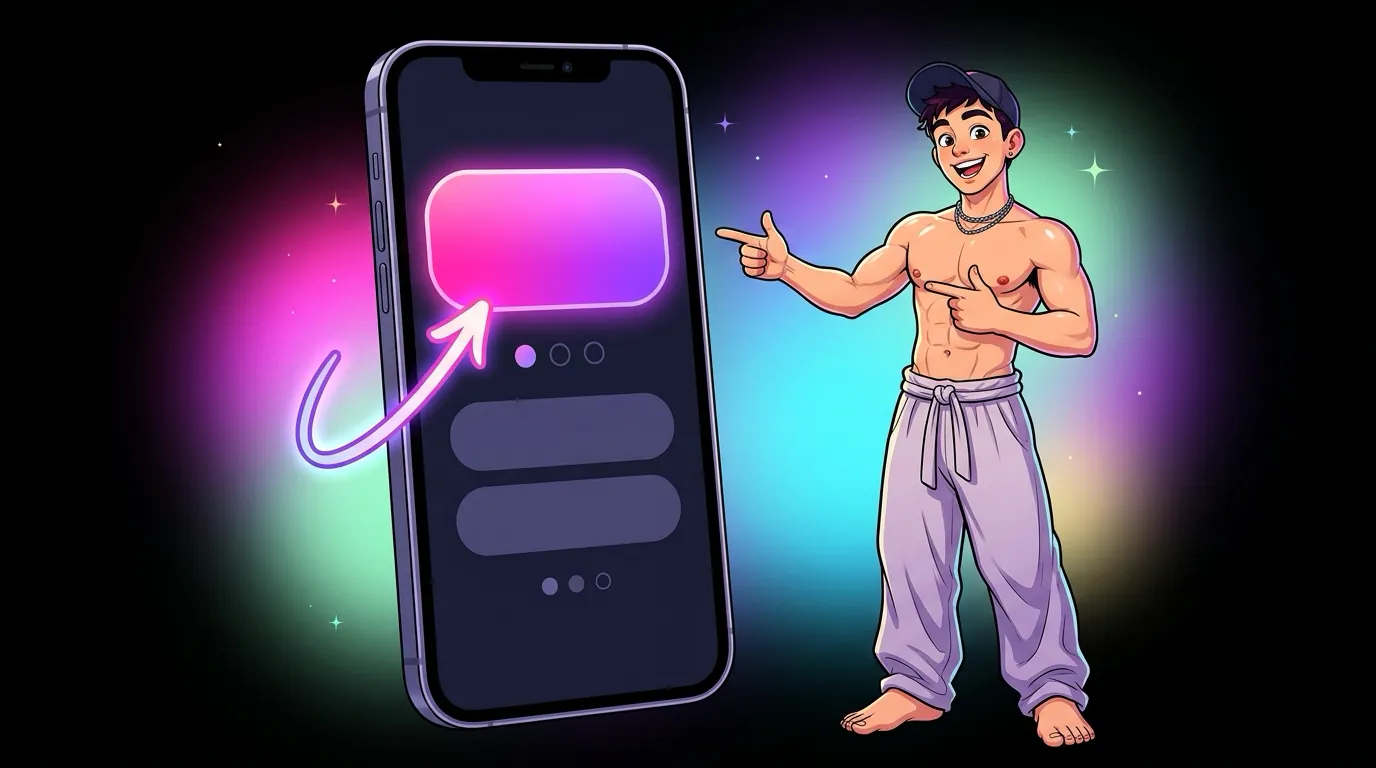
Decide which link earns you the most per visitor. For most creators that is their main subscription page. That link gets:
- The top position, above everything else.
- The biggest button or card on the page.
- A distinct treatment, such as artwork, color, or motion, so it is clearly different from the rest.
- A label that says what people get, not just the platform name.
Everything else is supporting cast. If you cannot decide which link deserves the spotlight, look at your earnings, not your follower counts.
Rule 2: Group everything else into tiers
After the hero, sort your remaining links into a small number of groups. A simple structure that works for a lot of creators:
| Tier | What goes here | How it should look |
|---|---|---|
| Hero | Your main paid page | Biggest, first, most distinct |
| Second chance | A free page, a trial link, or a second platform | Clearly visible, smaller than the hero |
| Extras | Customs, store, wishlist, tips | A compact row or small cards |
| Follow me | Socials and backup accounts | Small icons at the bottom |
This gives every visitor a path: the main offer first, a lower commitment option if they hesitate, and ways to stay in touch if they are not ready to pay today.

Rule 3: Label links by what the fan gets
"OnlyFans" is a platform name. It does not tell anyone why they should tap. Compare these:
- Vague: OnlyFans, Fansly, Twitter, Throne
- Clear: Full videos and daily posts, Free page with previews, Daily clips on X, Send me a gift
Short, honest labels beat clever ones. Avoid promises you cannot keep, like "free" on a page that is not, because a fan who feels tricked does not subscribe and does not come back.
Rule 4: Cut the links nobody taps
Every extra link dilutes the ones that matter. If a link has sat on your page for a month and almost nobody taps it, it is clutter. Common candidates:
- Old platforms you no longer post on.
- Duplicate links to the same place.
- Social accounts that only mirror your main one.
- Promos that expired weeks ago.
A page with five strong links nearly always beats a page with twelve weak ones.
Rule 5: Design for one thumb
Almost all of your visitors arrive on a phone, inside an app's built in browser. Design for that moment:
- Big tap targets. Buttons should be easy to hit with a thumb, with enough space between them that nobody hits the wrong one.
- The hero above the fold. On a small phone, the main link should be visible without scrolling.
- Readable labels. Text needs to be legible at arm's length, with strong contrast against the background.
- No surprises. Make it obvious which links leave the page and which open something on it.
Rule 6: Measure, then move things
You cannot improve what you do not measure. At minimum you want to know:
- Visits: how many people landed on the page.
- Taps per link: which links people actually use.
- Hero tap rate: the share of visitors who tap your main link. This is the number to grow.
- Sources: whether visits come from X, Reddit, Instagram, TikTok, or somewhere else.
Change one thing at a time, such as the hero label, the order of the second tier, or the hero artwork, then watch the numbers for a week or two before changing anything else.
Frequently asked questions
How many links should a link in bio page have?
As few as you can manage while still covering your main offer, one lower commitment option, and your key socials. For most creators that lands somewhere between four and seven.
Should my free page or my paid page go first?
Whichever earns more per visitor, which is usually the paid page. The free page works well as the second chance option right below it.
How often should I change the order of my links?
Only when the numbers tell you to. Change one thing, wait a week or two, and compare taps before you change anything else.
What this looks like on a custom page
Template link tools make most of this hard. You can reorder buttons, but every button usually looks the same, and you cannot give your hero link its own artwork, motion, or layout.
On a custom link hub, the design starts from your actual links and your actual earnings. The hero can be a full width card with your artwork. The second tier can sit side by side. Your socials can be a clean row of icons. Every piece is built around how you make money, which is the whole point.
That is how I build link hubs at MAXXXSITES, and how my own hub at maxxxzillion.com is put together. If you want to see your links laid out this way, request a free mockup and I will send you a private homepage design built around your real links.